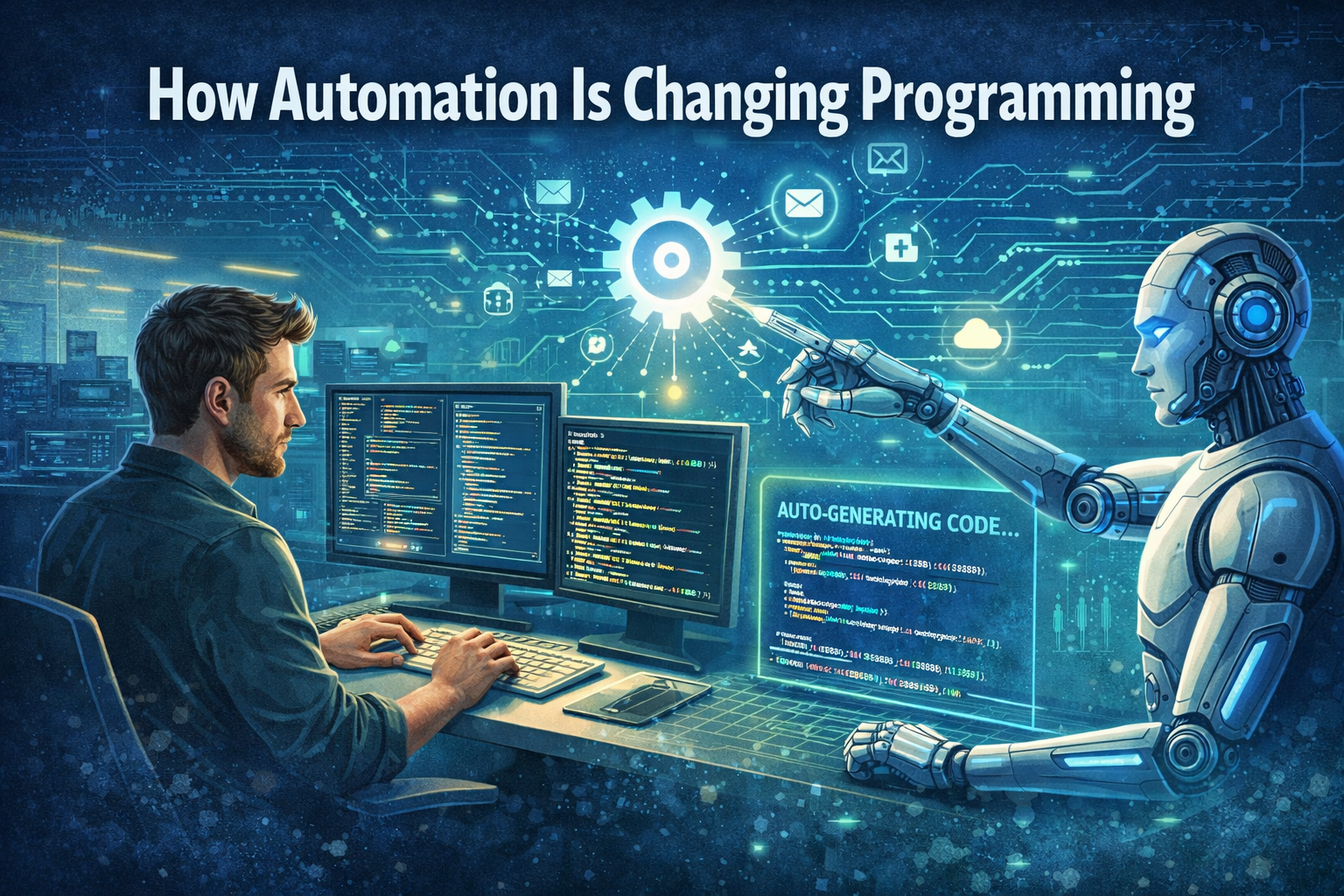
I still remember the first time I watched a colleague use GitHub Copilot. He typed a comment describing what he wanted—something like “function to parse CSV and return JSON”—and before he could finish, the AI had generated the entire function. Correct syntax. Proper error handling. Thoughtful variable names.
My first reaction was awe. My second was a creeping sense of dread. If AI could write code that well, what was left for me? Was automation in programming going to make my skills obsolete?
That was three years ago. Since then, I’ve watched automation in programming evolve from novelty to necessity. AI coding assistants are no longer curiosities—they’re standard tools in most developers’ workflows. Entire companies are building software with teams half the size they needed three years ago. And the question on every programmer’s mind has shifted from “Will AI replace us?” to “How do I work alongside it?”
The truth is more nuanced than either fear or hype would suggest. Automation in programming is profound—but not in the way most people predicted. It’s not eliminating the need for developers. It’s eliminating the need for developers to do the things that were always a little tedious, a little repetitive, a little beneath their capabilities.
In this guide, we’ll explore automation in programming across the industry. We’ll look at what’s actually happening in real development teams, what skills are becoming more valuable, and how you can position yourself to thrive in this new landscape. Not by resisting change, but by embracing it.
Let’s dive into the new world of automation in programming.
Part 1: What’s Actually Happening with Automation in Programming
The numbers tell a story of rapid adoption. According to recent surveys, 92% of developers now use AI tools in their workflow . GitHub Copilot alone has over 1.3 million paid users. Stack Overflow’s 2024 Developer Survey found that 76% of developers are using or plan to use AI tools .
But what does this actually look like on the ground? Automation in programming manifests differently across activities:
| Activity | How Automation in Programming Is Changing It |
|---|---|
| Boilerplate code | AI generates entire functions from natural language descriptions |
| Documentation | AI writes comments, READMEs, and API docs automatically |
| Testing | AI generates test cases and suggests edge cases |
| Debugging | AI suggests fixes based on error messages |
| Code reviews | AI flags potential issues before human review |
| Refactoring | AI suggests improvements and can execute them |
| Learning | AI explains unfamiliar code and concepts on demand |
The shift isn’t hypothetical. Developers report finishing tasks 40-60% faster when using AI assistants . A recent study by Microsoft and MIT found that developers using GitHub Copilot completed tasks 56% faster than those who didn’t .
This productivity gain isn’t evenly distributed. Junior developers see the biggest boost—sometimes more than doubling their output—while senior developers see smaller but still significant gains . The tools are effectively closing the experience gap, allowing newer developers to produce senior-quality code more quickly.
Part 2: The Tools Driving Automation in Programming
Several categories of automation tools are reshaping automation in programming across the industry.
AI Coding Assistants
| Tool | Key Features |
|---|---|
| GitHub Copilot | Real-time code suggestions, multi-line completions, chat interface |
| Cursor | AI-powered editor with deep codebase understanding |
| Amazon CodeWhisperer | AWS-focused suggestions, security scanning |
| Tabnine | Local-first, privacy-focused code completion |
| Replit AI | Integrated into browser-based development environment |
These tools don’t just autocomplete—they understand context across files, can generate entire functions from comments, and increasingly can perform multi-step tasks like refactoring or test generation.
Testing Automation
AI is transforming testing from a manual chore to an automated safeguard. Tools can now:
- Generate test cases based on code analysis
- Identify edge cases humans might miss
- Self-heal broken tests when code changes
- Predict which code changes are most likely to introduce bugs
Code Review Automation
Code review has always been a bottleneck. Automation in programming is changing that. Tools can now:
- Flag potential security vulnerabilities
- Suggest style and convention improvements
- Identify code that might be hard to maintain
- Automatically fix many minor issues
Documentation Generation
Documentation is famously the thing developers know they should do but rarely do. AI tools are changing that by:
- Generating docstrings from function signatures
- Writing READMEs from repository analysis
- Creating API documentation automatically
- Explaining complex code in plain English
Part 3: How the Developer Role Is Evolving with Automation in Programming
The most important question about automation in programming isn’t about tools—it’s about roles. What do developers do when AI handles the routine?
From Writing Code to Reading Code
Paradoxically, as AI generates more code, developers spend more time reading and understanding code. You can’t effectively review, debug, or maintain code you don’t understand. The skill of reading code—understanding its structure, its dependencies, its intent—is becoming as important as writing it. This is one of the subtle ways automation in programming is changing culture.
From Implementation to Architecture
When AI can implement features quickly, the value shifts to deciding which features to build and how they should fit together. Architects and senior developers who can design systems, define interfaces, and make high-level decisions are more valuable than ever.
From Coding to Prompting
Prompt engineering—crafting precise instructions for AI—is emerging as a core skill. Developers who can articulate what they want clearly and iteratively refine AI outputs produce better results faster. This shift in automation in programming means communication skills matter more than ever.
From Solo to Supervised
The developer’s relationship to code is shifting from creator to supervisor. You’re not writing every line; you’re setting direction, reviewing outputs, and ensuring quality. It’s less like being a craftsperson and more like being an orchestra conductor.
From Specialist to Generalist
When AI can generate competent code in any language, deep expertise in one language becomes less critical. The premium shifts to understanding concepts, patterns, and principles that transcend specific languages.
Part 4: What Automation in Programming Can’t Do (Yet)
Understanding automation in programming means understanding its limits. Current AI tools have significant gaps that keep developers essential.
Systems Thinking
AI can write a function, but it can’t understand how that function fits into a complex system. It doesn’t grasp trade-offs between performance, maintainability, and time-to-market. It can’t balance competing priorities across teams.
Deep Context
AI has no memory of the conversations, the politics, the history that shapes software decisions. It doesn’t know why a particular approach was chosen, which stakeholders need to be satisfied, or what constraints the team is operating under.
Quality Judgment
AI can generate code that passes tests, but it can’t judge whether code is maintainable, whether it fits the team’s patterns, or whether it’s the right long-term solution. That judgment remains human.
Creative Problem-Solving
When faced with truly novel problems—problems that haven’t been solved before—AI flounders. It can only recombine patterns from its training data. Original insight remains human.
Accountability
When something goes wrong, someone has to be responsible. AI can’t stand in a meeting and explain why a decision was made. It can’t take the blame or learn from the mistake. Developers do.
Part 5: The Skills That Matter Now with Automation in Programming
If you’re a developer navigating automation in programming, what should you focus on?
| Skill | Why It Matters |
|---|---|
| System design | AI handles implementation; humans design architecture |
| Code review | Someone has to ensure AI-generated code is correct and maintainable |
| Communication | Software is increasingly collaborative; explaining decisions matters |
| Product thinking | Understanding what to build matters more than how to build it |
| Debugging | When AI-generated code fails, you need to understand why |
| Learning agility | The tools will keep changing; adaptability is the meta-skill |
| Domain expertise | Understanding the business context AI can’t access |
The developer who thrives in this new era isn’t the one who can write the fastest code. It’s the one who can understand complex systems, communicate effectively, and make good decisions about what to build and why.
Part 6: Real-World Examples of Automation in Programming
Let’s look at how automation in programming is playing out in practice.
Case Study: Early-Stage Startup
A three-person startup built their entire MVP using AI tools. The founders—none of whom were professional developers—used Cursor to generate the codebase, ChatGPT to debug issues, and AI to write tests. They launched in three months with a product that would have required a five-person team a decade ago.
But they also discovered the limits. When they needed to scale, when users found edge cases, when performance became critical—they needed experienced developers to understand and improve the AI-generated foundation. The AI got them to launch. Humans got them to product-market fit.
Case Study: Enterprise Development Team
A Fortune 500 company introduced AI coding assistants to their 200-person engineering team. Within six months, they saw:
- 30% reduction in time spent on boilerplate code
- 40% faster test generation
- 25% fewer bugs in code reviews
But they also learned that AI tools needed governance. Without guidelines, developers used AI inconsistently, generating code that didn’t follow team patterns. They invested in training and standards, treating AI as a tool to be mastered, not just adopted.
Case Study: Solo Developer
A freelance developer with ten years of experience started using AI tools and saw her output double. She now takes on projects that would have required a small team. But she’s also found that her value has shifted: clients aren’t paying for her ability to write code—they’re paying for her ability to understand their business, design the right solution, and ensure quality.
Part 7: The Productivity Paradox in Automation in Programming
Here’s a fascinating twist: despite massive productivity gains from automation in programming, the demand for developers hasn’t fallen. In fact, it’s risen.
This is the productivity paradox. When tools make individuals more productive, organizations:
- Take on more ambitious projects
- Release more features faster
- Expand into new areas
- Maintain more code (and code never shrinks)
The result? We’re building more software than ever, not replacing developers. The automation in programming hasn’t eliminated the need for human judgment—it’s amplified what skilled developers can accomplish.
Part 8: The Junior Developer Question and Automation in Programming
One of the most debated topics in automation in programming is what it means for entry-level developers.
The Concern
If AI can write code that once required junior developers, will there be fewer opportunities for newcomers to learn? Will the apprenticeship model of software development disappear?
The Reality
The evidence so far suggests the opposite. Junior developers who use AI tools learn faster . They can ask questions without fear of judgment. They can see multiple approaches to problems. They can focus on understanding concepts rather than getting syntax right.
One study found that junior developers using AI tools wrote code with 50% fewer bugs than those who didn’t—and learned more in the process .
The shift isn’t eliminating junior roles. It’s changing what juniors do. Instead of spending months writing boilerplate code, they’re designing features, reviewing AI-generated code, and learning system architecture earlier.
Part 9: The Future of Automation in Programming
What does the next five years look like for automation in programming?
Near-Term (1-3 Years)
- AI will handle increasingly complex tasks—not just single functions but entire features
- Code review will become mostly automated, with humans focusing on architecture and design
- Natural language programming will become mainstream—describing what you want rather than writing how to do it
- Testing will shift from writing tests to specifying properties that tests should check
Medium-Term (3-5 Years)
- AI agents will work alongside developers, handling entire subprojects independently
- Programming languages may evolve to be more AI-friendly—more predictable, more explicit
- The distinction between “coding” and “designing” will blur further
- Many current programming jobs will look more like system design and product management
Long-Term (5-10 Years)
- Speculative, but possibilities include:
- AI that can maintain and evolve entire systems independently
- Programming as a high-level strategic activity rather than line-by-line implementation
- New programming paradigms designed for human-AI collaboration
Part 10: How to Adapt and Thrive with Automation in Programming
If you’re a developer—or aspiring to be one—here’s how to navigate automation in programming.
Embrace the Tools
The worst response to automation in programming is to pretend it’s not happening. Learn the tools. GitHub Copilot, Cursor, ChatGPT—they’re not optional anymore. The developer who doesn’t use AI is competing with developers who do.
Focus on Fundamentals
AI can write code, but it can’t replace understanding. Deep knowledge of algorithms, data structures, system design, and software architecture will remain valuable because you need that understanding to evaluate and direct AI outputs.
Develop Communication Skills
As code becomes more automated, the human skills become more important. Can you explain complex ideas? Can you collaborate across teams? Can you understand what stakeholders actually need? These skills will differentiate you.
Cultivate Taste
AI can generate ten solutions. You need to know which one is best. Taste—the ability to distinguish good from great, maintainable from messy, appropriate from over-engineered—is a distinctly human skill that becomes more valuable as generation becomes easier.
Stay Curious
The landscape is changing fast. What works today may be obsolete tomorrow. The developers who thrive are those who remain curious, who experiment, who keep learning.
Learn to Prompt
Prompting AI is a skill. The developers who get the most from AI tools are those who can articulate precisely what they want, iterate quickly, and know when the AI’s output needs refinement.
Part 11: What Automation in Programming Means for Non-Developers
Automation in programming doesn’t just affect programmers. It’s changing who can build software.
Citizen Developers
People with domain expertise but no formal programming training can now build working software. A marketing manager can build an internal tool. A researcher can automate their data analysis. A small business owner can create a custom application.
This democratization is one of the most exciting developments in automation in programming. The barrier to entry has dropped dramatically. The next great software product could come from someone who can’t write a line of code today but can describe what they want.
Product Managers and Designers
Product managers and designers are increasingly interacting directly with code. They can prototype features without waiting for engineering. They can test ideas more quickly. The boundary between “idea” and “implementation” is blurring.
Founders and Entrepreneurs
Startups can now launch with smaller teams, less capital, and faster timelines. The cost of building software has dropped. The limiting factor is increasingly understanding customer needs, not implementation capacity.
Conclusion
Let’s step back and see the bigger picture.
Automation in programming is profound and permanent. But not in the way many feared. It’s not making developers obsolete. It’s making the work of development more valuable.
The developer of tomorrow won’t spend hours writing boilerplate code, debugging syntax errors, or writing repetitive tests. They’ll spend time understanding complex systems, designing elegant architecture, making strategic decisions, and solving problems no one has solved before.
The tools are getting better every month. The skills that matter are shifting. But the fundamental human elements of software development—creativity, judgment, communication, taste—are more important than ever.
If you’re a developer, this is a moment of opportunity. The tools that automate routine work free you to focus on what only you can do. The organizations that embrace automation in programming will build better software faster. The developers who learn to work alongside AI will be in greater demand, not less.
The future of programming isn’t humans replaced by machines. It’s humans augmented by machines, doing work neither could do alone.
Embrace the change. Learn the tools. Double down on what makes you human. And build the future.