

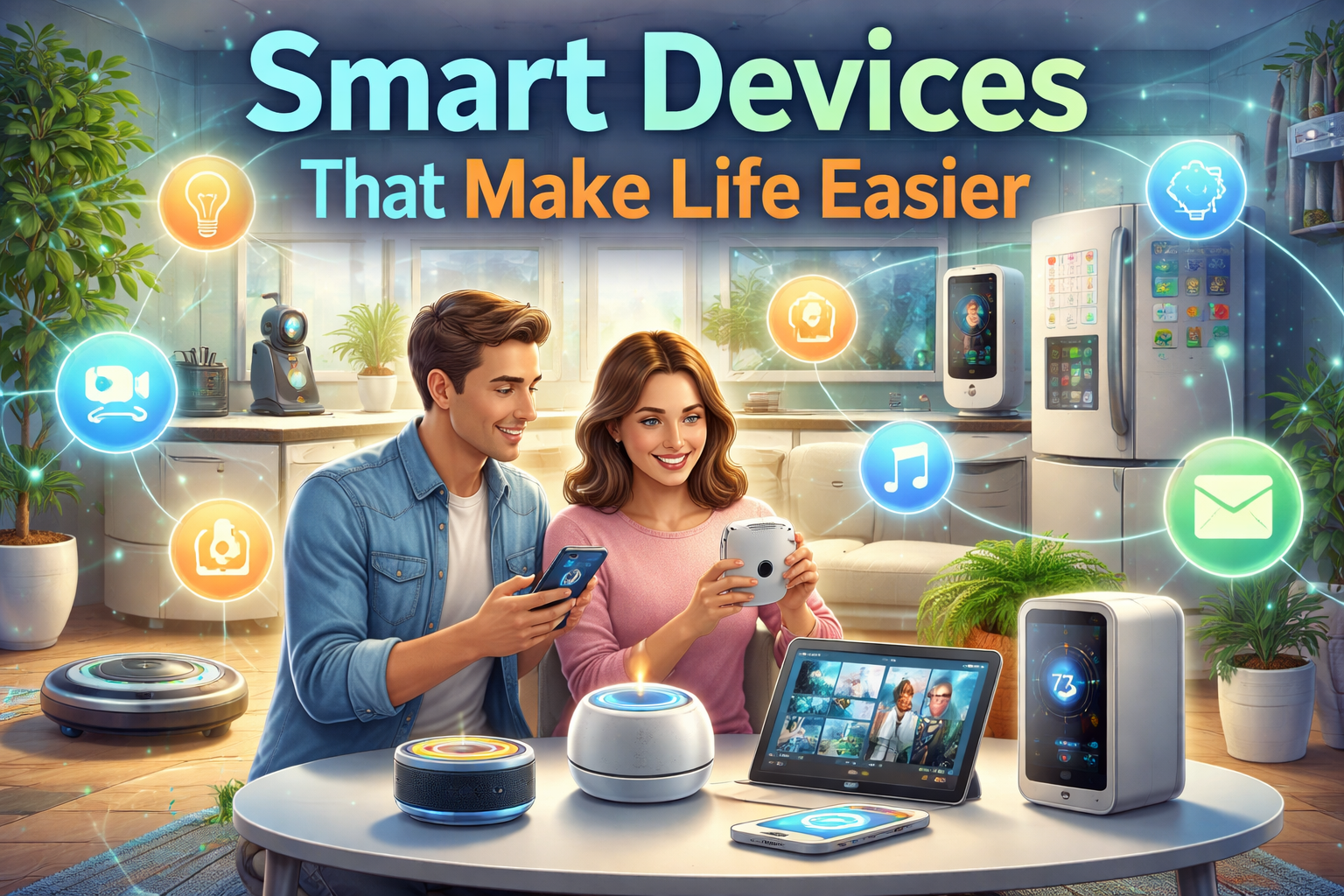
I used to be skeptical about smart devices. The whole concept seemed like a solution in search of a problem. Did I really need a refrigerator that could tell me when I was out of milk? Did I want my light bulbs connected to the internet? Was the future of home technology just adding unnecessary complexity to simple tasks?
Then I had a moment that changed my mind. I was traveling for work, three hundred miles from home, when my phone buzzed with a notification from my security system: water leak detected in the basement. A pipe had burst. Within minutes, I remotely shut off the main water valve from my phone, called a neighbor with a key, and averted what would have been thousands of dollars in damage. I wasn’t even in the same state, and yet I was protecting my home.
That’s when I understood what smart devices that make life easier really offer. It’s not about having a fridge that tweets. It’s about control, awareness, and peace of mind. It’s about technology that works so seamlessly you barely notice it until it saves you from disaster or handles a task you’d rather not think about.
In this guide, I’ll walk you through the smart devices that make life easier across your home, your health, your productivity, and your daily routines. Not the gimmicky stuff that ends up in a drawer. The genuinely useful technology that pays for itself in time saved, stress reduced, and problems prevented.
Let’s explore the smart home revolution that actually makes sense.
Part 1: What Makes a Device “Smart”?
Before we dive into specific devices, let’s clarify what “smart” actually means in this context. A truly smart device isn’t just something with an app. It’s a device that:
| Characteristic | What It Means |
|---|---|
| Connectivity | Connects to your home network or other devices |
| Automation | Performs tasks without manual input |
| Sensing | Detects changes in environment or user behavior |
| Learning | Adapts to your patterns over time |
| Integration | Works with other devices in an ecosystem |
| Remote control | Can be managed from anywhere |
The best smart devices that make life easier disappear into the background. They work reliably, solve real problems, and don’t require constant fiddling. They’re tools, not toys.
Part 2: Smart Home Hubs—The Brain of the Operation
Every smart home needs a central nervous system. Smart hubs connect your devices, enable automation, and provide a single interface for control.
Amazon Echo (Alexa)
The Amazon Echo line remains the most popular smart hub for good reason. Alexa understands natural language, works with thousands of devices, and keeps getting smarter.
What makes it great:
- Extensive device compatibility
- Routines that trigger multiple actions with one command
- Alexa Guard mode listens for breaking glass or smoke alarms
- Drop-in feature for checking on elderly relatives
Best for: Households already using Amazon services or wanting maximum device compatibility.
Practical tip: The Echo Dot is perfect for bedrooms and offices. The Echo Show (with screen) is ideal for kitchens, where you can watch recipe videos while cooking.
Google Nest Hub
Google’s answer to Alexa focuses on information and Google services integration. If you live in Google’s ecosystem, this is your hub.
What makes it great:
- Superior natural language understanding
- Deep integration with Google Calendar, Maps, and Search
- Ambient display shows photos, weather, and calendar
- Sleep sensing (on Nest Hub 2nd gen) tracks sleep without wearables
Best for: Google ecosystem users and those who prioritize search and information.
Apple HomePod (HomeKit)
Apple’s approach prioritizes privacy and deep integration with Apple devices.
What makes it great:
- Excellent sound quality
- Privacy-focused architecture
- Seamless with iPhone, iPad, Mac
- Intercom works across Apple devices
Best for: Apple ecosystem households prioritizing privacy and audio quality.
Part 3: Smart Security—Peace of Mind Anywhere
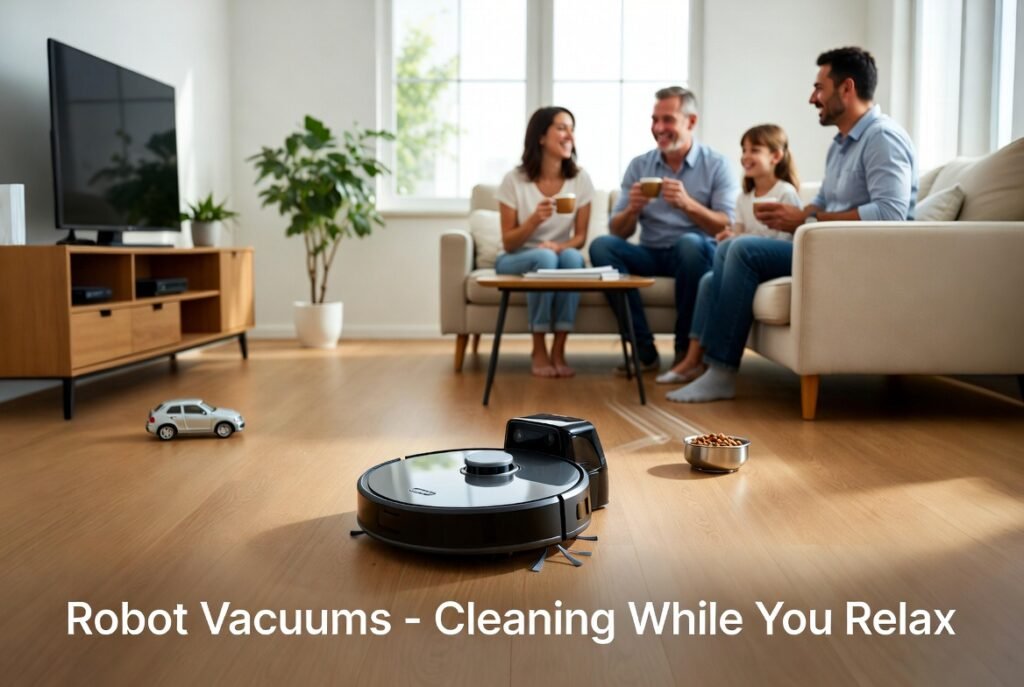
Security is where smart devices that make life easier truly shine. These devices protect your home whether you’re in the backyard or across the country.
Smart Doorbells
Video doorbells have become essential for modern homes. They let you see who’s at the door from anywhere, talk to visitors, and record activity.
| Brand | Key Features | Best For |
|---|---|---|
| Ring | Wide ecosystem, affordable, Alexa integration | Amazon ecosystem, value-focused |
| Nest Doorbell | 24/7 recording, Google integration, superior image | Google ecosystem, constant recording |
| Arlo | Wire-free options, no subscription required for basic | Renters, no-wiring options |
Real-world example: A friend of mine had a package stolen from her porch. The smart doorbell captured the thief’s face, and police identified and arrested them. She now has packages delivered to her porch with confidence.
Smart Locks
Smart locks eliminate the need for physical keys—and the anxiety of wondering if you locked the door.
What to look for:
- Keypad entry: Create temporary codes for guests, cleaners, dog walkers
- Auto-lock: Door locks automatically after a set time
- Remote access: Lock or unlock from anywhere
- Activity logs: See who came and went and when
Popular options:
- August Smart Lock: Installs over existing deadbolt, preserves exterior key
- Schlage Encode: Built-in WiFi, no hub required
- Yale Assure Lock: Modular design, works with multiple platforms
Practical tip: Even with smart locks, keep a physical key hidden outside or with a trusted neighbor. Technology can fail, and you don’t want to be locked out.
Smart Cameras
Indoor and outdoor cameras provide visibility into your home when you’re away.
Placement tips:
- Front door for package and visitor monitoring
- Backyard for pet watching and security
- Common areas (not bedrooms or bathrooms) for checking on pets
- Garage for vehicle and tool security
Key features to consider:
- Two-way audio for communicating
- Night vision for 24/7 coverage
- Person detection to reduce false alerts
- Local storage options to avoid subscription fees
Part 4: Smart Climate Control—Comfort Without Waste
Heating and cooling are among the biggest energy expenses in any home. Smart thermostats optimize comfort while reducing waste.
Smart Thermostats
Smart thermostats learn your schedule, adjust when you’re away, and can be controlled from anywhere.
| Model | Key Features | Best For |
|---|---|---|
| Nest Learning Thermostat | Self-programming, learns your habits, energy history | Set-and-forget households |
| Ecobee | Remote sensors for room-by-room temperature, Alexa built-in | Multi-room temperature issues |
| Honeywell Home | Simple, reliable, less learning-focused | Those who prefer manual control with remote access |
The savings: The EPA estimates smart thermostats save homeowners an average of 8-12% on heating and 15% on cooling costs . That’s $100-150 annually for many homes, meaning the device pays for itself in 2-3 years.
Smart Vents
If your home has uneven heating or cooling, smart vents can help. They open and close automatically to direct air where it’s needed.
Best for: Multi-story homes, rooms that are consistently too hot or too cold, homes with single-zone HVAC but multiple temperature preferences.
Smart Window Treatments
Motorized blinds and shades can be scheduled to open and close with the sun, providing privacy when needed and passive solar heating when beneficial.
The benefit: Automated shades can reduce heating costs by letting sunlight in during winter and cooling costs by blocking it in summer. They also provide security by making homes look occupied even when empty.
Part 5: Smart Lighting—Atmosphere and Efficiency
Smart lighting is often the entry point to home automation—and for good reason. It’s relatively affordable, easy to install, and immediately useful.
Smart Bulbs vs. Smart Switches
| Option | Pros | Cons | Best For |
|---|---|---|---|
| Smart bulbs | Color options, no wiring, portable | Bulb cost adds up, switches must stay on | Renters, color accents |
| Smart switches | Controls entire fixture, works with any bulb | Requires wiring, installation | Permanent installation, whole-room lighting |
What Smart Lighting Can Do
| Capability | How It Makes Life Easier |
|---|---|
| Scheduling | Lights turn on/off automatically, making home look occupied |
| Circadian lighting | Warm light in evenings, cool light during day—supports natural sleep cycles |
| Motion activation | Hallways and bathrooms light up automatically |
| Voice control | “Alexa, turn off all lights” before bed |
| Scene setting | “Movie mode” dims lights, “Good morning” gradually brightens |
Practical tip: Start with exterior lights (for security and curb appeal) and high-use areas (kitchen, living room, bedroom). Add others gradually.
Part 6: Smart Cleaning—Time Back in Your Day
Time spent cleaning is time you could spend on literally anything else. Smart cleaning devices reclaim those hours.
Robot Vacuums
Modern robot vacuums have evolved from novelty to necessity. They navigate intelligently, empty themselves, and learn your home’s layout.
| Model | Key Features | Best For |
|---|---|---|
| Roomba | Pioneer, excellent navigation, self-emptying models | Carpet-heavy homes |
| Roborock | Vacuum and mop combo, superior mapping, good value | Hard floors and mixed surfaces |
| Eufy | Affordable, simple, no-fuss | Budget-conscious, smaller spaces |
The time savings: Running a robot vacuum daily keeps floors consistently clean with zero effort. That’s 30-60 minutes per week you don’t spend pushing a vacuum.
Practical tip: Run your robot vacuum when you’re not home or during meals. Most models schedule daily cleaning, so you return to clean floors without ever hearing the noise.
Smart Mops
For hard floors, robot mops handle the wet cleaning. Some models combine vacuuming and mopping in one device.
What to look for:
- Self-cleaning mop pads
- Automatic solution dispensing
- Separate clean and dirty water tanks
- Avoids carpets (or lifts mop head)
Smart Laundry
Smart washers and dryers send notifications when cycles complete, diagnose problems, and can be started remotely.
The benefit: No more forgetting laundry in the machine. No more wondering if the dryer finished. Remote start means you can toss in clothes before leaving and start the cycle when you’re away.
Part 7: Smart Kitchen—Saving Time and Food
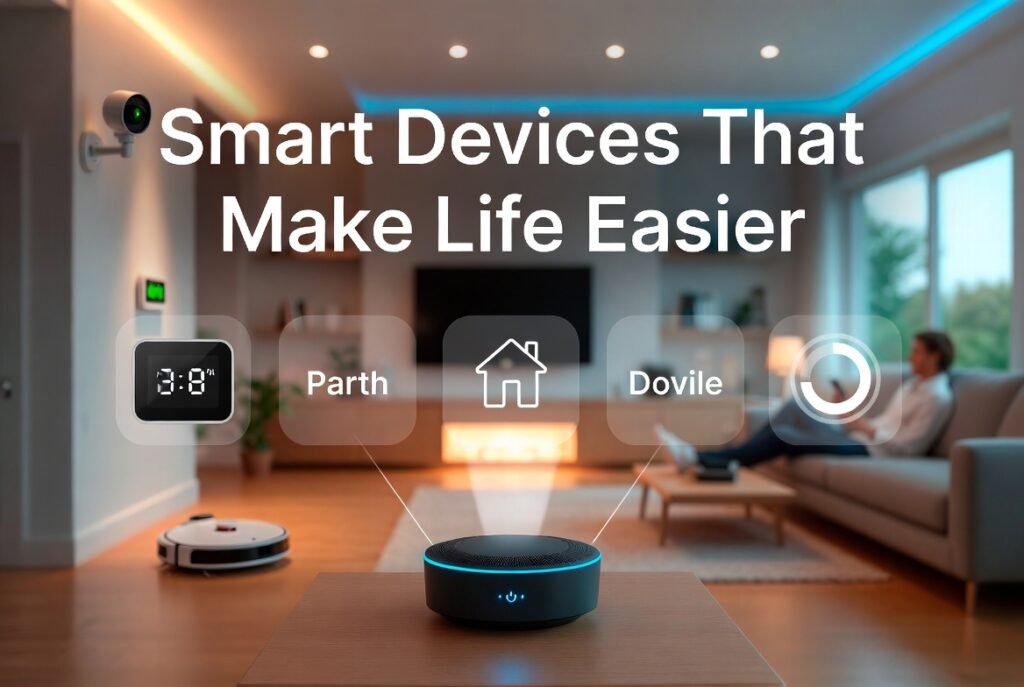
The smart kitchen is about reducing waste, simplifying cooking, and making grocery shopping easier.
Smart Refrigerators
Smart fridges offer cameras inside so you can see what you have from the grocery store. No more guessing if you need milk.
Key features:
- Interior cameras viewable from phone
- Expiration tracking
- Recipe suggestions based on ingredients
- Grocery list integration
Practical tip: You don’t need a $3,000 smart fridge. A smart display in the kitchen plus a $50 interior camera can provide similar functionality for a fraction of the cost.
Smart Ovens
Smart ovens take the guesswork out of cooking. They preheat on command, suggest temperatures, and even recognize food types.
| Feature | How It Helps |
|---|---|
| Remote preheat | Oven is ready when you arrive home |
| Food recognition | Automatically sets time and temperature |
| Recipe integration | Sends cooking instructions from phone |
| Notifications | Alerts when food is ready |
Smart Plugs for Kitchen Appliances
Sometimes the smartest solution is the simplest. Smart plugs can turn any appliance into a smart device.
Use cases:
- Coffee maker: Schedule morning coffee
- Slow cooker: Start remotely so dinner is ready when you get home
- Toaster: No more burnt toast—set a precise timer
Part 8: Smart Health and Wellness
Smart devices are increasingly focused on health, helping you sleep better, move more, and monitor vital signs.
Smart Watches and Fitness Trackers
Wearables have evolved from step counters to sophisticated health monitors.
| Capability | What It Does |
|---|---|
| Heart rate monitoring | Tracks resting and active heart rate, alerts for abnormalities |
| ECG | Detects atrial fibrillation (Apple Watch, Samsung) |
| Blood oxygen | Monitors SpO2 levels |
| Sleep tracking | Analyzes sleep stages and quality |
| Fall detection | Alerts emergency contacts if fall detected |
| Activity tracking | Steps, workouts, standing time |
Real-world example: A family member’s Apple Watch alerted them to an irregular heart rhythm that turned out to be atrial fibrillation. They saw a doctor, received treatment, and avoided what could have been a stroke.
Smart Scales
Smart scales go beyond weight, tracking body composition metrics over time.
What they measure:
- Weight
- Body fat percentage
- Muscle mass
- Bone density
- Water percentage
The benefit: Trends matter more than individual measurements. Smart scales automatically log data and show progress over weeks and months.
Smart Sleep Aids
Sleep tracking and improvement is a growing category.
| Device | How It Helps |
|---|---|
| Smart sleep trackers | Monitor sleep cycles without wearables (under-mattress sensors) |
| Smart alarms | Wake you during light sleep, feeling more rested |
| White noise machines | Block disruptive sounds, with app control |
| Smart lights | Simulate sunrise for natural waking |
Part 9: Smart Outdoors—Home and Garden
Smart devices aren’t just for indoors. Outdoor automation saves time, water, and worry.
Smart Sprinkler Controllers
Traditional sprinkler timers waste water. Smart controllers adjust based on weather, soil conditions, and plant types.
| Feature | Benefit |
|---|---|
| Weather integration | Skips watering when rain is forecast |
| Soil sensors | Waters only when needed |
| Zone customization | Different plants get different amounts |
| Remote control | Adjust from anywhere |
The savings: Smart sprinklers typically reduce water use by 20-50% . In drought-prone areas, that’s both environmentally responsible and financially significant.
Smart Garden Sensors
For serious gardeners, soil sensors provide data on moisture, light, temperature, and nutrients.
Use case: You travel for a week. A sensor detects dry soil and triggers the smart sprinkler to water only the affected zones—not the entire yard.
Smart Garage Door Openers
Smart garage door openers give you control and visibility you didn’t know you needed.
What they do:
- Open and close from anywhere
- Send alerts if door is left open
- Provide access for deliveries or guests
- Integrate with security systems
Practical tip: If you’ve ever driven away wondering if you closed the garage door, a smart opener solves that anxiety permanently.
Part 10: Smart Pet Devices
Pets are family, and smart devices help care for them even when you’re away.
Smart Pet Feeders
Automated feeders dispense food on schedule, ensuring pets eat even when you’re delayed.
| Feature | Benefit |
|---|---|
| Scheduled meals | Consistent feeding times |
| Portion control | Prevents overeating |
| Camera integration | Check on pets while away |
| Voice interaction | Talk to pets remotely |
Smart Pet Doors
Smart pet doors let your pets in and out while keeping other animals out.
Key features:
- Microchip recognition (only your pets)
- Schedule control (no late-night cat excursions)
- Remote lock (keep pets in during storms)
- Activity tracking (know when they come and go)
Pet Cameras
Treat-dispensing cameras let you see, talk to, and reward your pets from anywhere.
The benefit: Reduces separation anxiety for both you and your pets. A quick check-in during the workday provides reassurance.
Part 11: Getting Started—Your Smart Home Roadmap
Feeling overwhelmed? Here’s how to start building your collection of smart devices that make life easier without breaking the bank or your sanity.
Phase 1: Foundation (Month 1)
| Device | Purpose | Approximate Cost |
|---|---|---|
| Smart hub | Central control | $50-100 |
| Smart plugs (2-3) | Test automation | $25-50 |
| Smart bulbs (starter set) | Experience smart lighting | $30-60 |
Goal: Learn the ecosystem. Understand what works for your home.
Phase 2: Security and Comfort (Months 2-3)
| Device | Purpose | Approximate Cost |
|---|---|---|
| Smart doorbell | Security, package monitoring | $100-250 |
| Smart thermostat | Energy savings, comfort | $150-250 |
| Smart lock | Keyless entry, access control | $150-300 |
Goal: Address core concerns—security, comfort, and convenience.
Phase 3: Automation (Months 4-6)
| Device | Purpose | Approximate Cost |
|---|---|---|
| Robot vacuum | Automated cleaning | $200-600 |
| Smart sprinkler | Water savings, garden health | $100-200 |
| Smart sensors (leak, motion, contact) | Protection, automation triggers | $30-50 each |
Goal: Move from remote control to true automation.
Phase 4: Expansion (Ongoing)
Add devices as you identify needs:
- Smart speakers in additional rooms
- More smart bulbs and switches
- Smart appliances when existing ones need replacement
- Specialty devices for hobbies, pets, or specific needs
Part 12: Privacy and Security Considerations
With great connectivity comes great responsibility. Smart devices collect data about your home, your habits, and sometimes your family. Protecting that data matters.
Privacy Best Practices
| Practice | Why It Matters |
|---|---|
| Use strong, unique passwords | Prevents unauthorized access |
| Enable two-factor authentication | Adds protection layer |
| Regularly review connected devices | Remove unused or unknown devices |
| Set up a guest network | Isolates smart devices from computers and phones |
| Review privacy policies | Know what data is collected and how it’s used |
| Disable unnecessary permissions | Camera doesn’t need microphone; mic doesn’t need location |
The Local-Only Option
If privacy concerns are paramount, consider devices that work locally without cloud dependency. Home Assistant, Hubitat, and Apple’s HomeKit (with local hubs) can operate many devices without sending data to external servers.
Trade-off: More setup complexity, fewer out-of-home controls unless you configure remote access yourself.
Conclusion
Let’s bring this together.
Smart devices that make life easier aren’t about having the latest tech or impressing visitors. They’re about reclaiming time, reducing stress, and gaining peace of mind. They’re about the robot vacuum that cleans while you sleep, the thermostat that optimizes energy use without your input, the security system that watches when you can’t.
The best smart home isn’t the one with the most gadgets. It’s the one where technology works so seamlessly you barely notice it—until it saves you from a burst pipe, or has coffee ready when you wake up, or lets you check on your dog from across the country.
Start small. Choose devices that solve actual problems in your life. Build your system gradually. And remember that the goal isn’t automation for its own sake—it’s more time and energy for what matters.
The technology is ready. The devices are reliable. The peace of mind is waiting.









Crypto vs Stocks: Which Investment Is Better for You?
[…] Smart Devices That Make Life Easier […]